Build Survive Shop, Kits, and Game Passes
What the Shop sells, which kits are worth Cash, and when Robux passes are optional flex—not requirements.
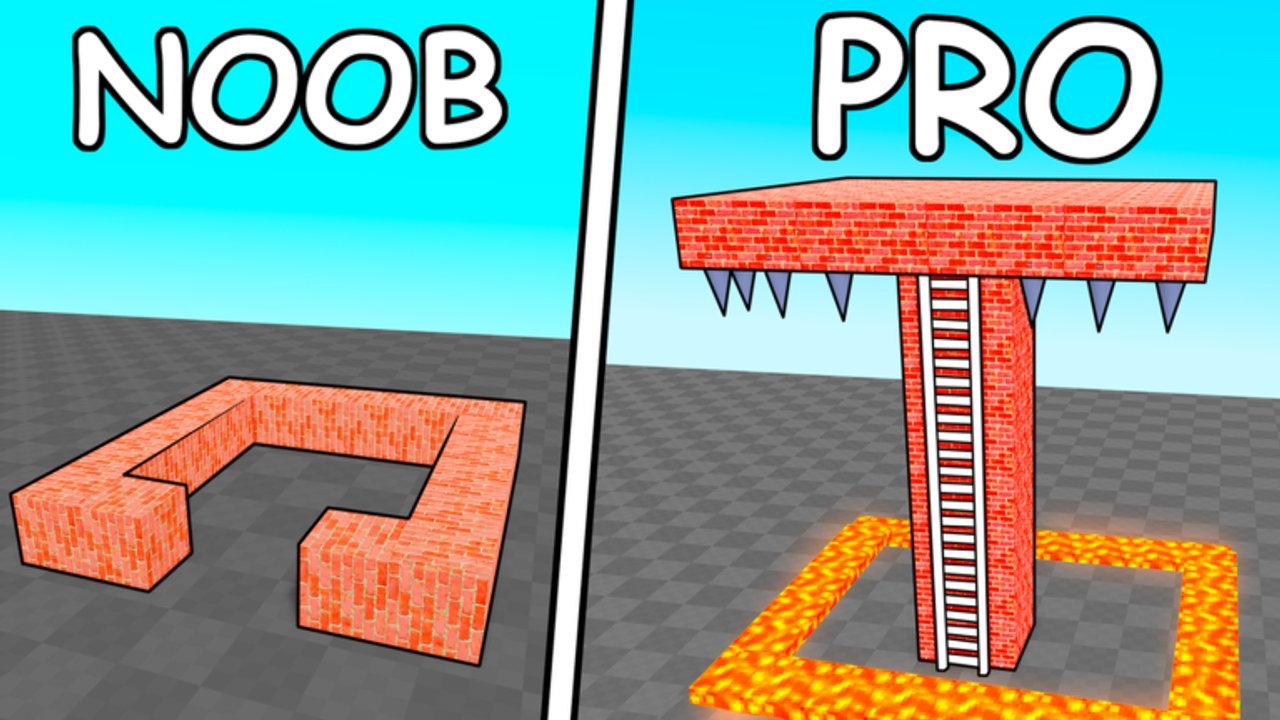
The Shop in 🛠️Build and Survive (Rainy Creations, Roblox place 128263975853774) is where Cash and optional Robux purchases meet your base plan. You can finish every wave loop as a free-to-play builder: survive for Cash, place blocks, climb higher, repeat. Passes and premium kits only accelerate cosmetics, convenience, or flashy clear tools. This page maps what the Shop is for, how kits fit the meta, how to think about game passes, and when grinding remains smarter than paying. Cross-read Earn Cash and Wins, Build Kits, Blocks, Controls, and Best Base Builds.
Prices and SKUs shift with patches—confirm in-game after anything listed on Updates. No working codes exist as of November 2026 (Codes), so do not expect the Shop to unlock via fake redeem strings from other games.
Shop mental model
Think of three shelves:
- Cash building stock — blocks and structural pieces you place with Build.
- Kits / prefabs — packaged houses and elevated shells (Modern House-style kits are the famous height cheese).
- Robux shelf — game passes, premium tools, paint unlocks, novelty weapons, and convenience toggles.
Autosave stores what you place. Robux receipts stay on your Roblox account. Neither shelf replaces timer skill from Survive Monster Waves.
Cash purchases that actually help
Spend Cash on function first:
- Spawn platform materials if you somehow lack one.
- Walls and floors that seal.
- Stairs and pillars you are willing to Delete after climbing.
- Ranked kits that spawn elevated interiors—see Build Kits.
Creator sessions frequently highlight Modern House kits because they drop you into an elevated shell with owner-only vibes, instantly buying height that would take many manual placements. That is a legitimate Cash sink once early waves feel easy. It is a poor first purchase if you still die on flat ground without a Spawn.
Compare raw block value on Blocks before you empty a fresh Cash pile into furniture.
Robux passes and premium tools (optional)
Exact pass names and Robux prices change; always read the live Shop prompt. Categories you will typically see discussed in playthroughs include:
| Category | Examples players talk about | Honest role |
|---|---|---|
| Elevated kits | Modern House-style prefabs | Strong QoL / height shortcut |
| Defense / clear tools | Ban Hammer-class wipes, explosives | Panic buttons, teach little |
| Survival toggles | Invincible / VIP style perks | Comfort for showcase sessions |
| Mobility / toys | Magic carpet, laser novelty | Fun, not a skill substitute |
| Cosmetics | Premium Paint, gold carpets | Flex after the base works |
Ban Hammer-style clears can delete threat piles in seconds, which is entertaining on camera and unnecessary for learning Delete seals. If you buy one, use it to recover a doomed megabase—not as your only plan.
VIP / invincible style options help creators film without wipes. They do not replace height cheese documented in Best Base Builds.
Suggested buy order (if you spend anything)
These are suggestions for dedicated players who already clear early waves:
- Nothing — prove you can seal a door and delete a stair for free.
- Cash kit with real height (Modern House-class) once you understand Spawn + timer.
- Material upgrades ranked on Blocks.
- One convenience pass only if you play long sessions and dislike rebuild friction.
- Cosmetics and novelty weapons last.
Never buy a pass because a random code site claimed it was “required.” The game is free-to-play with autosave and six-player co-op without premium.
Grind versus pay decision table
| Goal | Prefer grind (Cash + skill) | Prefer Robux |
|---|---|---|
| Learn the loop | Always | — |
| First tall perch | Pillars + Delete | Elevated kit later |
| Seal discipline | Practice door Delete | — |
| Showcase / content | — | VIP / clear toys optional |
| Recover griefed base | Rebuild with friends (Players) | Hammer only if you already own it |
| Paint flex | Free colors first | Premium swatches |
How to open and use the Shop safely
- Clear or pause during prep, never during the final ten seconds of a wave.
- Open Shop from the HUD (placement varies slightly by device—see Controls).
- Read the Cash versus Robux price tag twice.
- Preview what the kit places before confirming if the UI offers a ghost.
- Close the Shop, reseal doors, then fight.
- After purchase, bind the new kit into your height plan immediately so Cash/Robux converts into survival, not clutter.
On mobile, fat-finger buys happen—zoom and confirm. On PC, keep this wiki on a second monitor while you compare Build Kits.
Kits and the height meta
Kits matter because height beats courtyards. A prefab that spawns you above typical monster jump ranges prints Cash for every later wave (Earn Cash and Wins). After the kit lands:
- Place or confirm Spawn inside or beside it.
- Delete external stairs monsters could use.
- Add a panic interior room.
- Invite friends to expand outward from the elevated core (Players).
Pyramid and tall-pillar manual builds still win for players who enjoy construction—kits are a shortcut, not the only meta.
Passes do not fix bad habits
Buying Robux cannot:
- Place your Spawn for you.
- Call the wave timer.
- Stop a teammate from grief-Deleting your stair.
- Redeem fake codes from unrelated games.
- Replace reading Updates after a balance patch.
If your clear rate is low, open Survive Monster Waves and Getting Started before the Robux prompt.
Session checklist before any purchase
- Survived three waves with a manual seal.
- Spawn + Base teleport verified.
- Codes checked (still none in November 2026).
- Compared the kit against Build Kits.
- Confirmed you are on place 128263975853774 (Rainy Creations), not a lookalike title.
- Squad agrees on who owns Delete rights on shared kits.
Related pages
- Guides Hub — tutorial index.
- Earn Cash and Wins — fund the Shop without panic.
- Build Kits / Blocks / Tier List — value ranks.
- Best Base Builds — deploy kits into real layouts.
- Controls — Shop button and HUD notes.
- Codes / Updates — live changes.
- Scripts — unrelated to Shop; stay safe.
The Shop is a toolbox. Fill it after you can survive, and every Robux or Cash spend turns into another wave you actually finish.
Frequently Asked Questions
Quick answers for Build Survive players.
Do I need game passes to play Build Survive?
No. The game is free-to-play. Cash from surviving waves funds blocks and many kits. Passes are optional convenience or cosmetics.
Is the Modern House kit worth buying?
It is a strong height shortcut once you already understand Spawn and wave timers. Buy it with surplus Cash after basic seals work.
Should I buy a Ban Hammer-style tool?
Only as a luxury panic button. Learning Delete seals and height cheese teaches more and costs Cash you already earn from waves.
Can codes unlock Shop items for free?
When codes exist they may grant Cash or gifts, but as of November 2026 none are working. Avoid lists copied from other Roblox games.
When should I open the Shop during a round?
During prep between waves—never in the final countdown. Reseal doors after any purchase before monsters spawn.