Build Survive Guides Hub
Walkthroughs for bases, waves, Cash, Shop kits, and UI—from first Spawn to sky towers.
Welcome to the Guides Hub for 🛠️Build and Survive by Rainy Creations on Roblox. This free-to-play survival builder dropped on 25 March 2025 and still receives patches into November 2026. Servers hold up to six players, everything autosaves, and the loop is simple: spend Cash on blocks and kits, survive monster waves, bank Wins, then expand taller and smarter.
Use this hub as your map. Start with the beginner walkthrough if you just joined, then branch into base layouts, wave tactics, and the full controls/UI breakdown. Cross-check rankings on the Tier List Hub, redeem tips on Codes, skim Scripts only if you understand the risks, and keep an eye on Updates after patches. For group etiquette and finding friends, see the Players Hub.
Core loop in one minute
- Join a server and claim a plot.
- Place a Spawn platform so deaths do not strand you.
- Open Build, place cheap blocks, and learn Delete / Paint.
- Survive early waves by outrunning or standing on height—Cash arrives for lasting the timer.
- Buy walls when they matter; otherwise save for height and kits.
- Invite friends (up to six total) and share one strong base.
- Use the Base button to teleport home when you get lost.
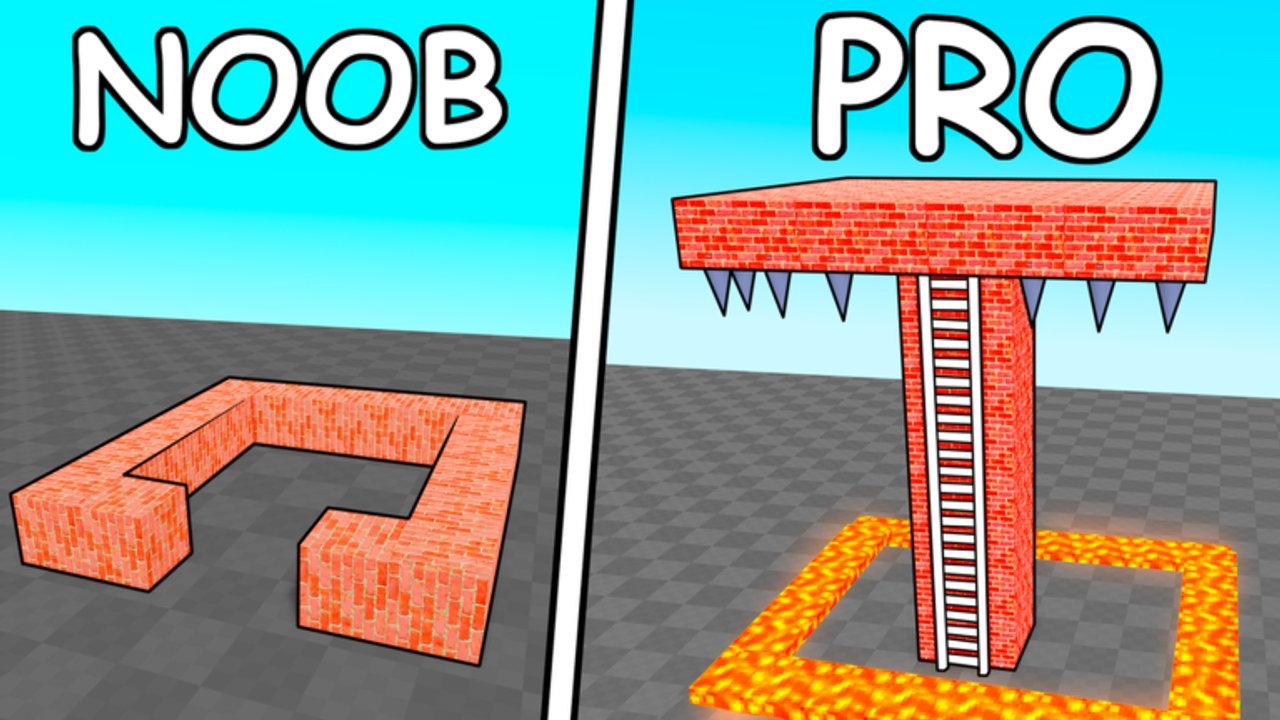
Height beats fancy floors. Monsters path on the ground and climb poorly when you remove stair paths. That single idea powers almost every advanced layout on this wiki.
All guide pages
Getting Started
Day-one checklist: join, claim plot, Spawn platform, first Cash from early waves, Build menu basics, when to buy walls versus save, and how to invite friends. Includes a real playthrough video. Featured for new players.
Best Base Builds
Perimeter walls, sky/height towers with stairs then deleted paths, pyramid and tall-pillar designs, panic rooms, collaborative friend bases, and Modern House kit height cheese. Pair with block and kit rankings on the Tier List, including Blocks and Build Kits.
Survive Monster Waves
Timer awareness, closing entries, running circles, height advantage, day/night Settings, wave archetypes (zombie, werewolf, ninja, soldier-style packs and meme killers), and when an expensive Ban Hammer Robux option is even worth discussing.
Controls
Build, Delete, Paint, Base teleport, day/night Settings, Saves/reset, Shop and kits, plus mobile versus PC notes so your fingers match the UI.
Earn Cash and Wins
Wave payouts, height farming, spend order, co-op Cash etiquette, and how Wins track long-term clears. Essential once you can place a Spawn.
Shop and Game Passes
Cash kits versus Robux passes, Modern House height value, Ban Hammer context, and when grinding beats paying. Pair with the Tier List kit ranks.
How to use this wiki with the game
Read a guide, then jump into a live server while the page stays open on a second screen or phone. Autosave means you can leave mid-build without losing progress, but you should still treat Cash as scarce on day one. After any patch, return to Updates and re-check Codes—as of November 2026 there are no working codes, but that can change when Rainy Creations posts one.
When you compare blocks and kits, open the Tier List Hub and the dedicated Blocks and Build Kits pages so you do not waste Cash on low-value pieces. For co-op etiquette—never grief someone else’s walls—read Players. If you experiment with third-party tools, the Scripts hub explains caution first; account safety always beats a shortcut.
Recommended reading order
- Getting Started — first session.
- Controls — lock in the UI so Build/Delete/Paint feel automatic.
- Survive Monster Waves — stop dying to timers you ignored.
- Earn Cash and Wins — turn clears into a spend plan.
- Best Base Builds — convert Cash into height and sealed rooms.
- Shop and Game Passes — kits and optional Robux without FOMO.
- Tier List + Blocks + Build Kits — spend smarter.
- Players — find friends and respect builds.
- Updates and Codes — stay current after patches.
Facts that never change (until they do)
- Released: 25 March 2025 on Roblox, free to play.
- Co-op: online, max 6 players per server.
- Progression: Cash from surviving waves; Wins as a longer-term score.
- Tools: Build, Delete, Paint; Base teleport; Spawn platform; autosave.
- Advantage: height and sealed entries beat flat courtyards.
- Codes: none working as of November 2026—verify on the Codes page before you trust a random list.
Bookmark this Guides Hub, then dive into the subpages above. Every article aims for practical steps you can copy in under a minute of reading, with deeper sections for players who want the why behind the cheese.
Frequently Asked Questions
Quick answers for Build Survive players.
Which Build Survive guide should I read first?
Start with Getting Started for day-one Spawn, Cash, and Build basics, then Controls, then Survive Monster Waves before investing in fancy base layouts.
Do these guides cover Roblox Build and Survive by Rainy Creations?
Yes. This wiki targets the free-to-play experience released 25 March 2025 (place 128263975853774), with autosave and up to six-player co-op.
Where do I compare blocks and kits?
Use the Tier List Hub plus the Blocks and Build Kits ranking pages, then apply those picks inside Best Base Builds.
Are there working codes right now?
As of November 2026 there are no working codes. Check the Codes page after updates in case Rainy Creations releases new ones.
Where do I learn Cash, Wins, and the Shop?
Read Earn Cash and Wins for payouts and spend order, then Shop and Game Passes for kits versus optional Robux buys.